Photo cleaner · iPhone
Keep or delete.
One photo at a time.
Keep Me sorts your library by month into small parts. Go through one, check what you marked, then clear it. Nothing leaves your phone.
Why Keep Me
Storage full. Again.
Thousands of photos and no idea where to start. Keep Me breaks your library into parts of 30, so you can clear a month in a few minutes.
What it does
Small parts, clear choices.
By month
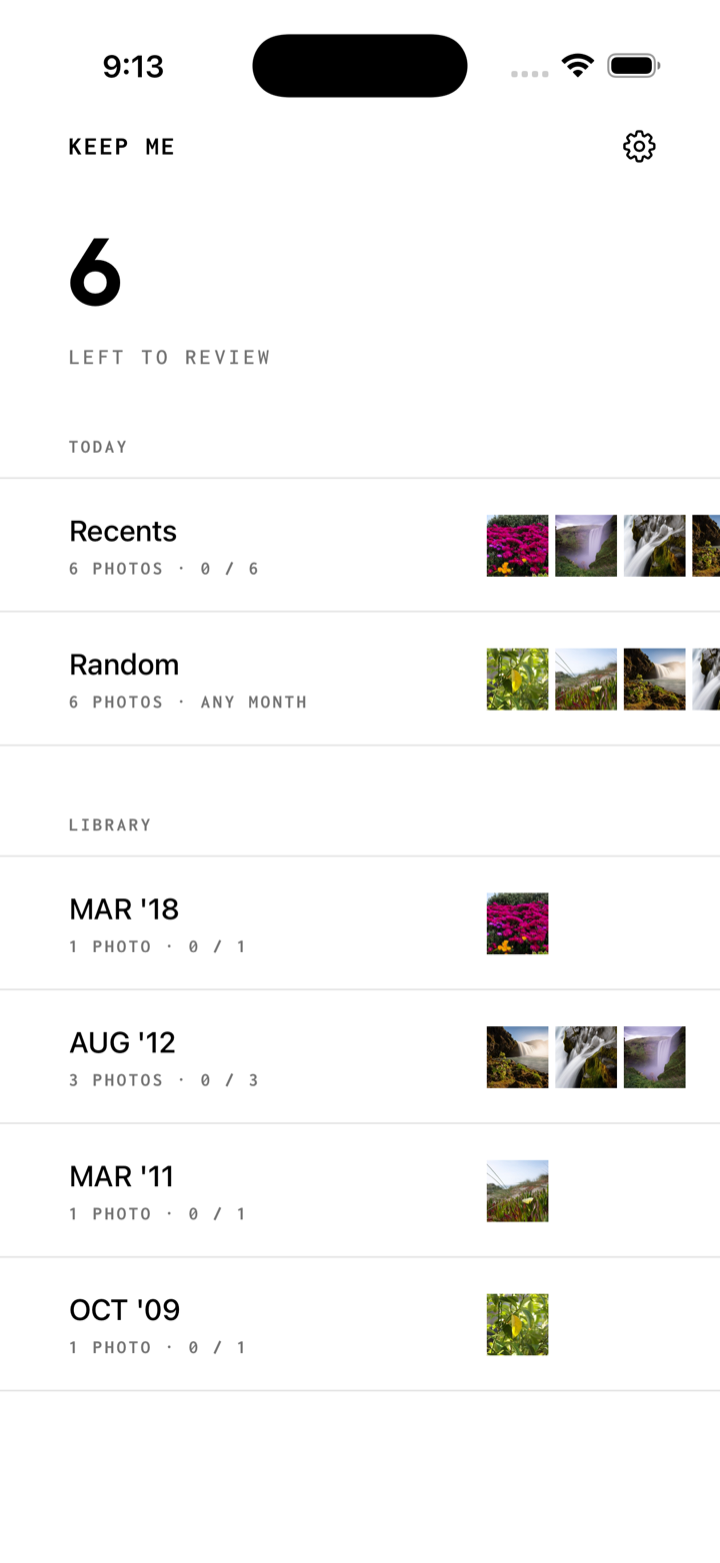
Your library is grouped by month and split into parts of up to 30 photos. Each part shows how far you've got.
Today
On this day from earlier years, your newest photos, and a random 30 that changes each day.
Tap or swipe
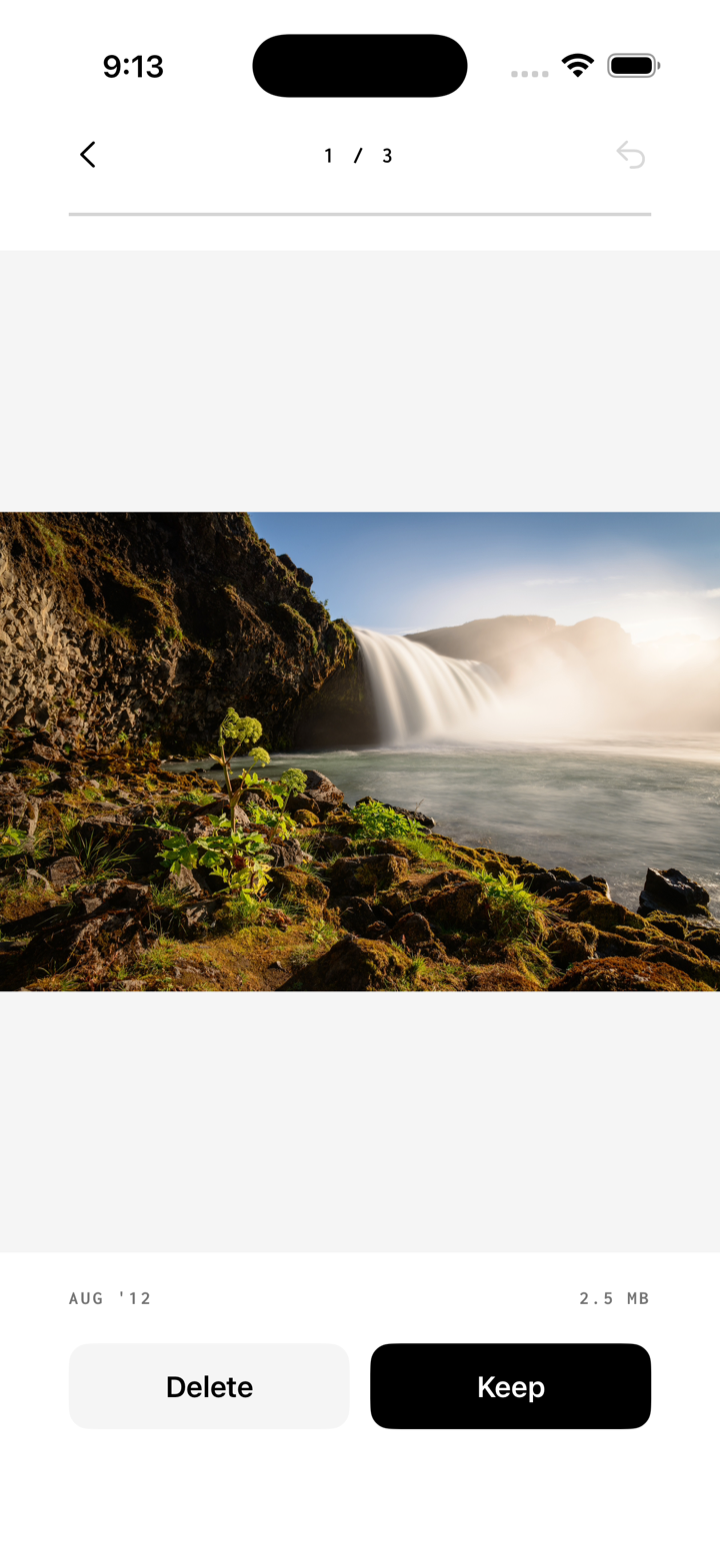
Keep or Delete with a tap, or swipe right to keep and left to delete. Undo takes back the last one.
Nothing goes until you confirm
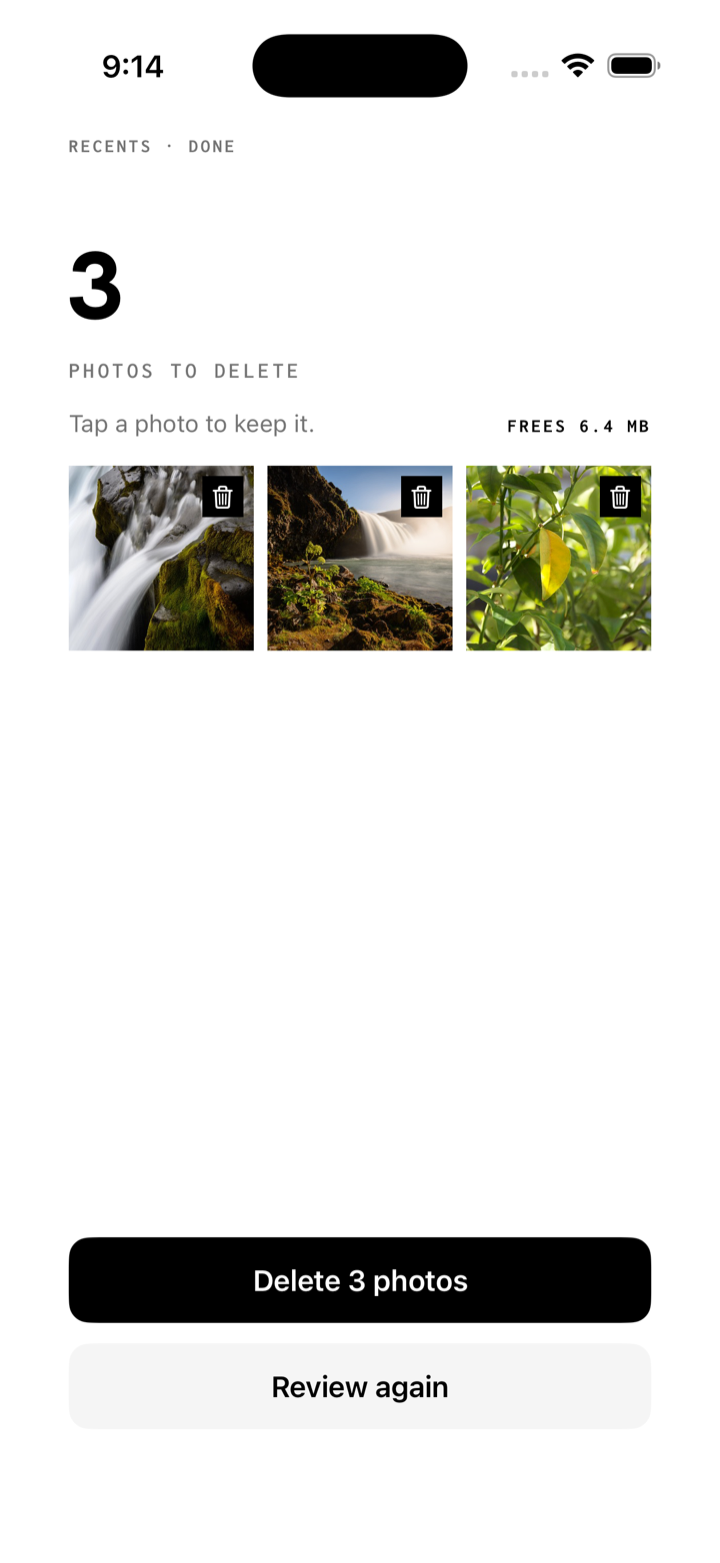
At the end of a part you see every photo you marked. Tap one to keep it, then delete the rest in one go.
Pick up where you left off
Every choice is saved as you make it. Close the app and carry on later from the same photo.
Private
Keep Me has no account and no server. Your photos are never uploaded, and nothing leaves your phone.
Support
Need a hand?
Questions, bugs, or ideas — send an email and you'll get a reply from the Theprahok Inc. team.
Email support visalbotr@gmail.comKeep Me shows no photos, or only some.
Keep Me needs access to your photo library. Open the Settings app, tap Apps, then Keep Me, then Photos, and choose Full Access. With Limited Access, Keep Me only sees the photos you picked.
Where do deleted photos go?
To Recently Deleted in the Photos app, like any photo you delete. You can recover them there for 30 days.
Why does my iPhone ask again before deleting?
iOS always asks before an app deletes photos. Keep Me can't skip that step, and nothing is deleted until you allow it.
I left in the middle of a part.
Open it again from Home. It picks up at the first photo you haven't decided on, with your earlier choices saved.
How do I start over?
Tap the gear on Home, then Reset progress. Every photo you haven't deleted comes back for review.
Does Keep Me collect my data?
No. There is no account and no server. Read the privacy policy.